01 / SOURCE TXT · EXCERPT
Title: The Little Journey
Author: EpuBloom

Chapter 1 — A quiet morning
The notebook was still empty. There was a whole day to fill it.

Chapter 2 — Along the river
The leaves moved in the breeze.
Download sample TXT
 EpuBloom.
FREE ONLINE TXT & EPUB CONVERTER
Read TXT and EPUB, create ebooks, or change TXT encoding. Free, right in your browser.
THE CONVERTER
Drop a TXT or EPUB file here
or choose one from your device
Current TXT encoding—
Download a separate TXT copy. The original stays unchanged.
FROM TEXT TO BOOK
Here is a small, original EpuBloom story before and after conversion. Download both files to compare them, or use Try TXT and Try EPUB above to work with them in the converter.
01 / SOURCE TXT · EXCERPT
Title: The Little Journey Author: EpuBloom Chapter 1 — A quiet morning The notebook was still empty. There was a whole day to fill it. Chapter 2 — Along the river The leaves moved in the breeze.Download sample TXT
02 / CONVERTED EPUB
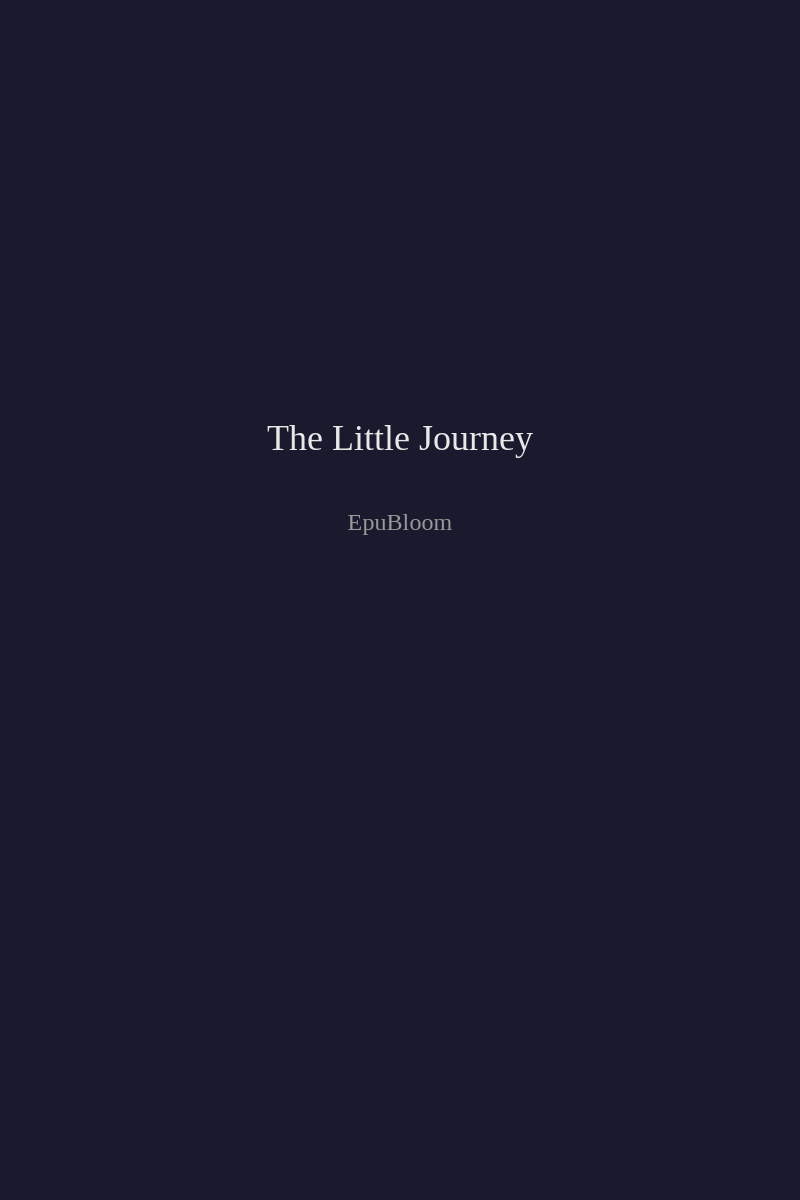
EpuBloom
2 chapters in the contents
Separate chapter headings become contents links. The title and author become book metadata and a generated cover. The EPUB is reflowable, so a reader can change its font size. The title and author lines in the source are also retained in the first chapter.
Open the EPUB in the reading app you use. Follow both contents links and compare the paragraphs with the TXT. EPUB to TXT keeps words and paragraph breaks but loses the cover, illustrations, fonts and page layout. Keep the original file.
Both example EPUBs were generated with EpuBloom’s converter and checked for two chapter links and retention of every source line. The cover shown is taken from the EPUB itself. These short demonstration texts are free to reuse for testing.
Read TXT and EPUB with a searchable chapter list, adjustable type, and dark mode. Explore the online reader ↗
Spot repeated chapters and suspect headings, edit text, volumes and reading order, then check the exported contents links and body. Try the chapter workflow ↗
Files are processed in your browser. No upload, no account, no file library.
Yes. Select a TXT or EPUB, then click Read online above the file workspace. Choose a theme and font size, navigate chapters, and reselect the same file later to resume. See how online reading works.
No. Your text, ebook, and cover are read and converted in your browser. The site still needs a connection to load its pages and converter.
You get the readable text. Images, fonts, links, and page layouts aren’t preserved. Image-only and DRM-protected books aren’t supported.
The export report checks your edited preview against the generated file. EPUB checks cover chapter count, order, contents links, volume groups, body characters, paragraphs and hard line breaks. TXT checks UTF-8 and the presence and order of chapter blocks. A failed check blocks downloading. Keep the original and check the result in your reading app too.
READING & CONVERSION GUIDES
Open a book, browse chapters, adjust the reading view, and return to your place.
Read the guide ↗Prepare chapter headings, add book details, and build an ebook with a cover.
Read the guide ↗Extract editable text and understand what changes when formatting is removed.
Read the guide ↗Check UTF-8, UTF-16, and GBK text before turning it into an ebook.
Read the guide ↗Download a UTF-8 copy of older Chinese TXT files, with examples and checks.
Read the guide ↗Fit an image, choose colors, and place the title and author before exporting.
Read the guide ↗Use recognized headings and fix missing or unexpected table-of-contents entries.
Read the guide ↗